DevOps and Deploy with Vercel
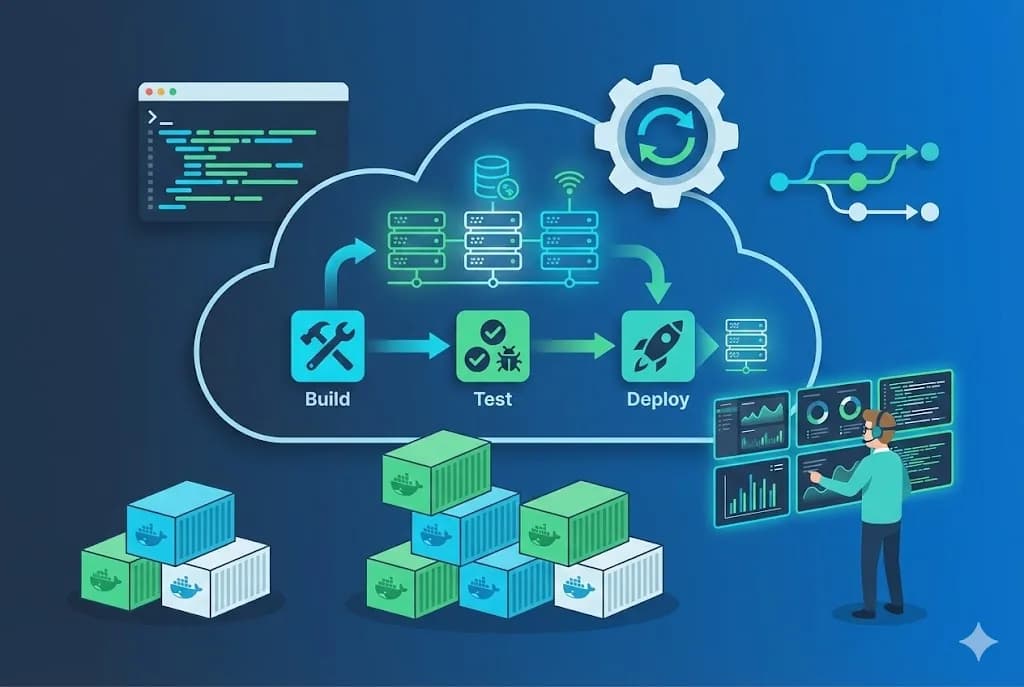
DevOps connects development with operations. In this tutorial you'll learn to set up CI/CD pipelines and deploy web applications professionally and automatically.
Prerequisites
- Basic Git knowledge
- GitHub account
- A web project to deploy
- Terminal with basic command access
- Account on Vercel, Netlify or similar
CI/CD with GitHub Actions
GitHub Actions allows you to automate your workflow directly from your repository. You can set up pipelines that run tests, linting and automatic deployment with each push.
# .github/workflows/deploy.yml
name: Deploy
on:
  push:
    branches: [main]
jobs:
  deploy:
    runs-on: ubuntu-latest
    steps:
      - uses: actions/checkout@v4
      - uses: actions/setup-node@v4
      - run: npm ci
      - run: npm run build
      - run: npm test
Pro Tip
Deployment strategies
There are several deployment strategies depending on your needs. From direct deployment to blue-green deployments, each strategy has its advantages for different scenarios.
- Direct deploy: Simple, ideal for small projects
- Preview deployments: Each PR generates a test environment
- Blue-Green: Two identical environments for zero-downtime
- Rolling: Gradually updates instances
- Canary: Deploys to a small percentage of users first
Conclusion
Implementing CI/CD transforms your development workflow. Automating tests and deployments reduces human error and allows you to deliver value faster. Start simple and keep improving your pipeline over time.
THE AUTHOR
Peter Lima
Peter is a full stack web developer with over 5 years of experience creating digital solutions. Specialist in React, Next.js and Node.js, passionate about sharing knowledge and helping other developers grow professionally.
More from Peter Lima